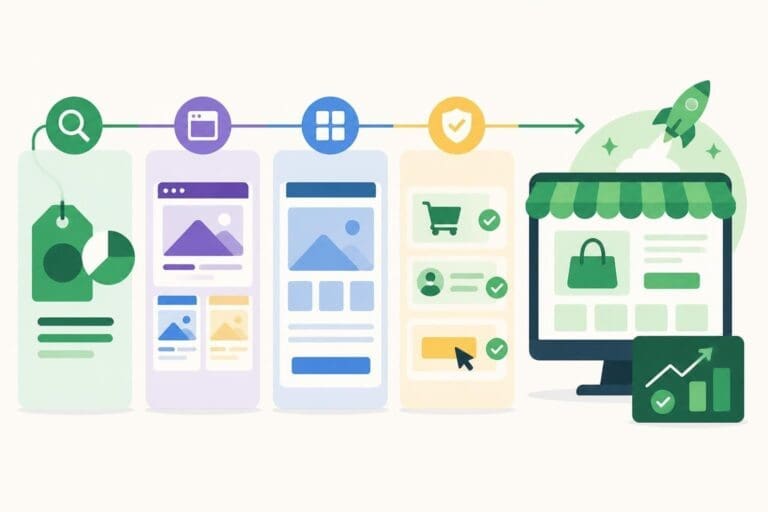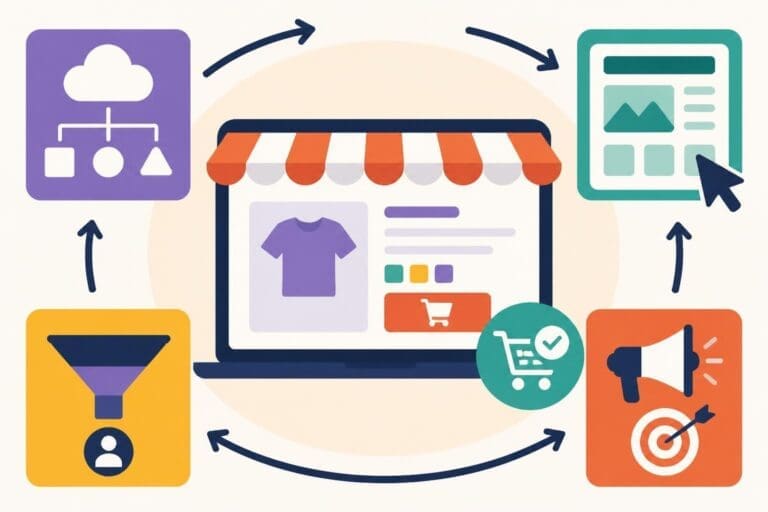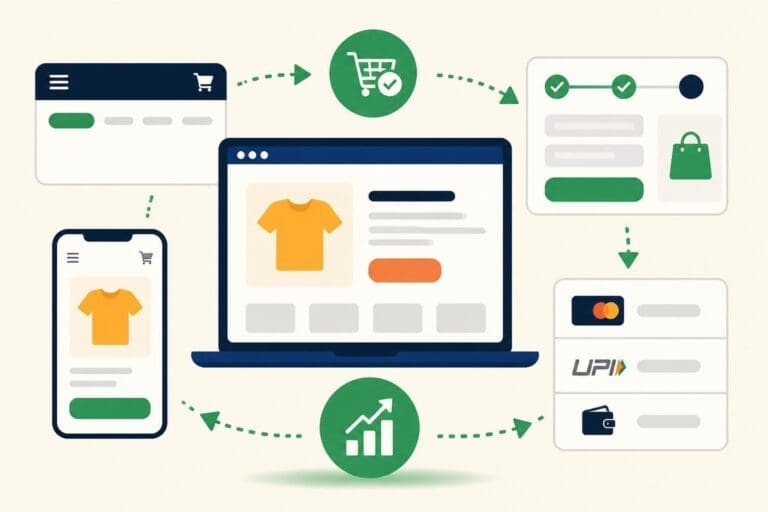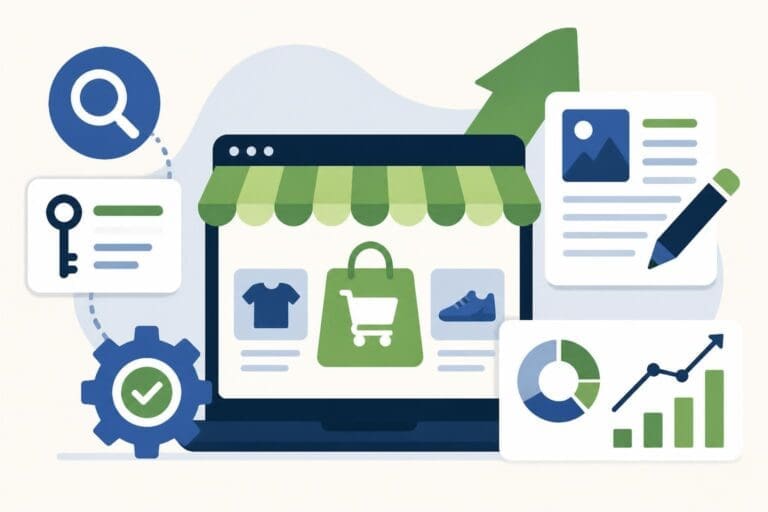
Building an online presence has become essential for businesses of all sizes, and selecting the right platform determines your success trajectory. Shopify has emerged as the leading e-commerce solution, powering over 4.5 million stores worldwide in 2026. Whether you're launching a startup or scaling an established brand, understanding how to build a website on Shopify properly sets the foundation for sustainable growth and profitability. This comprehensive guide walks you through the entire process, from initial planning to advanced optimization strategies that drive conversions.
Understanding Shopify's Platform Capabilities
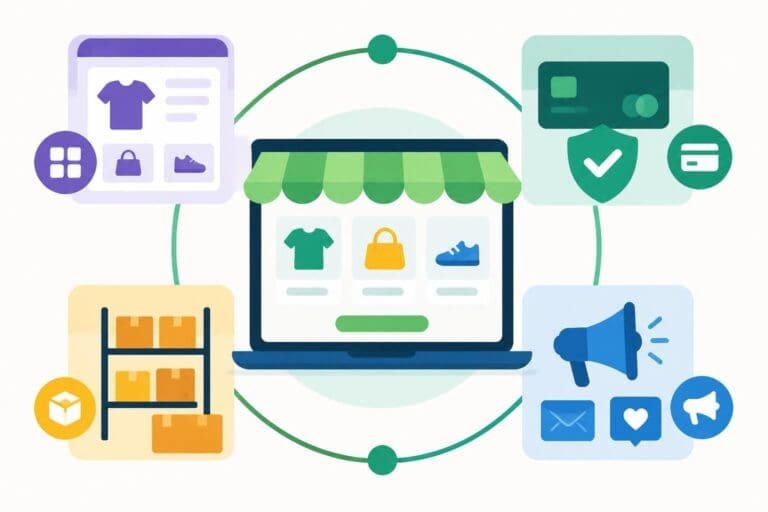
Shopify delivers a robust infrastructure designed specifically for online commerce. The platform removes technical barriers that traditionally prevented entrepreneurs from launching digital storefronts, offering an all-in-one solution that handles hosting, security, payments, and inventory management.
Platform Architecture and Flexibility
The platform operates on a cloud-based architecture, ensuring 99.98% uptime and automatic scaling during traffic surges. When you build a website on Shopify, you gain access to enterprise-level infrastructure without managing servers or worrying about technical maintenance. The system automatically handles PCI compliance, SSL certificates, and security updates.
Key platform advantages include:
- Hosted solution with automatic updates and maintenance
- Built-in CDN for fast global content delivery
- Mobile-responsive themes that adapt to all devices
- Integrated payment processing supporting 100+ currencies
- Scalable infrastructure handling from 10 to 10 million visitors
Shopify's architecture separates content, design, and functionality into manageable layers. This modular approach enables businesses to modify their storefront appearance without affecting core operations. The platform supports both standard Shopify plans for emerging brands and Shopify Plus for enterprises requiring advanced features and higher transaction volumes.
Comparing Shopify Tiers
| Feature | Basic Shopify | Shopify | Advanced Shopify | Shopify Plus |
|---|---|---|---|---|
| Monthly Cost | $39 | $105 | $399 | $2,300+ |
| Staff Accounts | 2 | 5 | 15 | Unlimited |
| Locations | 4 | 5 | 8 | Customizable |
| Transaction Fees | 2.0% | 1.0% | 0.5% | Negotiable |
| Analytics | Basic | Standard | Advanced | Custom Reports |
Understanding these tiers helps you select the appropriate plan based on your current needs and growth trajectory. Most businesses start with Basic Shopify and upgrade as revenue increases.
Pre-Launch Planning and Strategy
Successful stores begin with thorough planning before any development work starts. This preparation phase determines how effectively your website converts visitors into customers and supports long-term business objectives.
Defining Your Business Requirements
Start by documenting your specific business model, target audience, and operational requirements. Different business types require different features when you build a website on Shopify. A subscription box service needs recurring billing capabilities, while a digital product store requires automatic delivery systems.
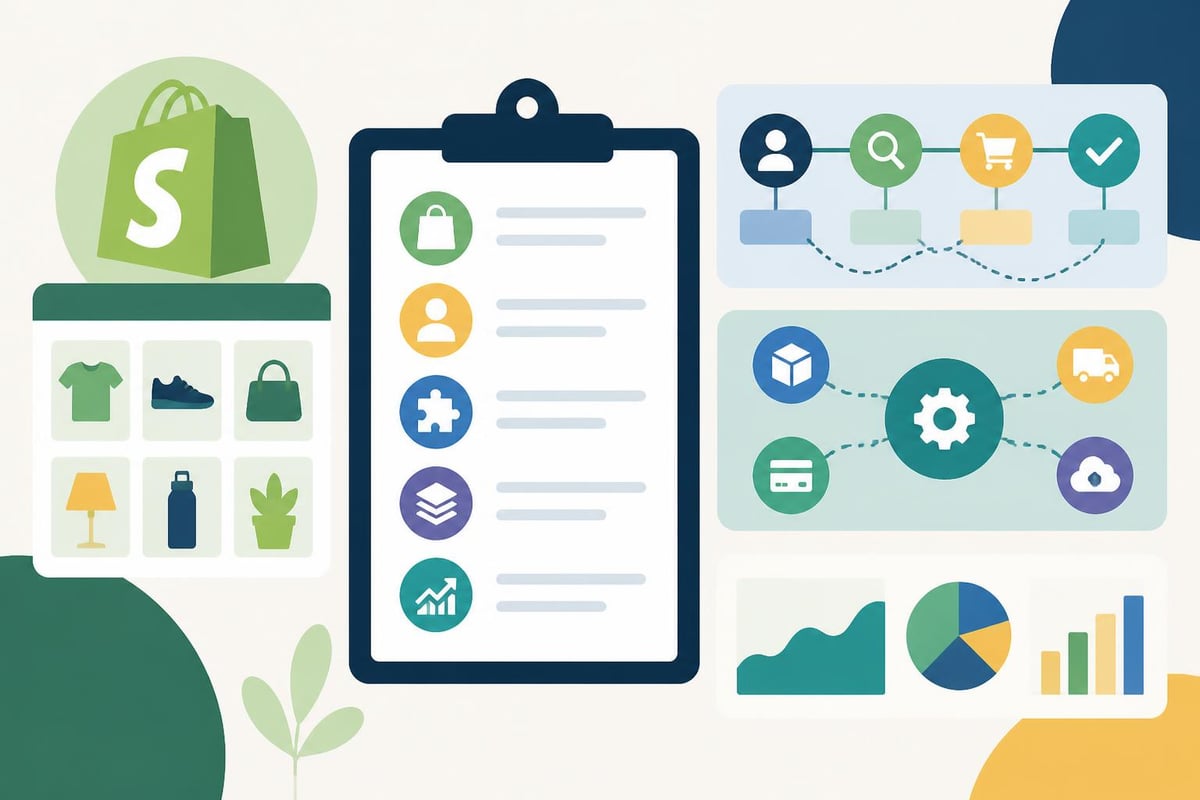
Essential planning elements:
- Product catalog structure – Categories, collections, and filtering needs
- Customer journey mapping – How users discover, evaluate, and purchase products
- Integration requirements – Third-party tools for marketing, accounting, and fulfillment
- Content strategy – Blog posts, product descriptions, and educational resources
- Performance benchmarks – Load time targets, conversion goals, and revenue projections
Document your competitive landscape and identify differentiators that your website must communicate. Analyze successful competitors to understand industry standards while identifying opportunities to exceed customer expectations.
Selecting Your Domain and Brand Identity
Your domain name serves as your digital address and brand identifier. Choose a memorable, relevant domain that reflects your business name and is easy to spell. Shopify provides domain registration services, or you can connect an existing domain purchased elsewhere.
Brand identity extends beyond your domain to encompass visual elements, messaging, and customer experience. Before you build a website on Shopify, establish:
- Primary and secondary brand colors with hex codes
- Typography choices for headings and body text
- Logo variations for different backgrounds and sizes
- Brand voice guidelines for product descriptions and content
- Photography style for consistent visual presentation
This foundation ensures consistency across all touchpoints and creates a cohesive brand experience that builds customer trust and recognition.
Setting Up Your Shopify Foundation
The technical setup process establishes the core infrastructure for your online store. Shopify streamlines this phase with guided workflows that walk you through essential configuration steps.
Creating Your Shopify Account
Visit Shopify's website and start your free trial, which provides full access to platform features for 14 days. The signup process requests basic information including business name, address, and industry category. Choose your store name carefully as it determines your initial myshopify.com URL.
After account creation, complete your store settings through the admin dashboard. Configure your business address, currency, time zone, and unit systems. These fundamental settings affect tax calculations, shipping rates, and customer communications.
Configuring Essential Store Settings
Navigate through Shopify's settings menu to establish your operational parameters. Payment configuration ranks among the most critical early decisions when you build a website on Shopify.
Payment provider options:
- Shopify Payments (recommended for lowest fees)
- PayPal Express Checkout
- Third-party gateways (Stripe, Authorize.net, Square)
- Manual payment methods (bank transfers, cash on delivery)
Shopify Payments eliminates transaction fees charged by the platform when using third-party processors. It supports credit cards, digital wallets, and local payment methods across 20+ countries. Enable multiple payment options to accommodate customer preferences while balancing processing fees.
Configure shipping zones and rates based on your fulfillment strategy. Define domestic and international shipping rules, including free shipping thresholds that encourage larger order values. Shopify calculates real-time carrier rates from major shipping providers when you connect your accounts.
Tax settings require attention to ensure compliance with regional requirements. Shopify automatically calculates sales tax for U.S. states and VAT for European countries when you enable tax collection. Verify these settings match your actual tax obligations and adjust overrides where necessary.
Designing Your Shopify Storefront
Visual design directly impacts conversion rates and brand perception. Shopify provides two primary approaches to storefront design: theme customization and professional development services.
Choosing and Customizing Themes
Shopify's theme store offers 170+ professionally designed templates, both free and premium. Themes range from $0 to $400 and cater to different industries and aesthetic preferences. When you build a website on Shopify using themes, prioritize these factors:
- Mobile responsiveness and touch-friendly navigation
- Page speed performance and optimization
- Feature alignment with your business requirements
- Customization flexibility without coding knowledge
- Ongoing support and updates from developers
Popular themes like Dawn, Debut, and Brooklyn provide excellent starting points for most businesses. Premium themes often include advanced features such as quick view modals, mega menus, and enhanced product filtering.
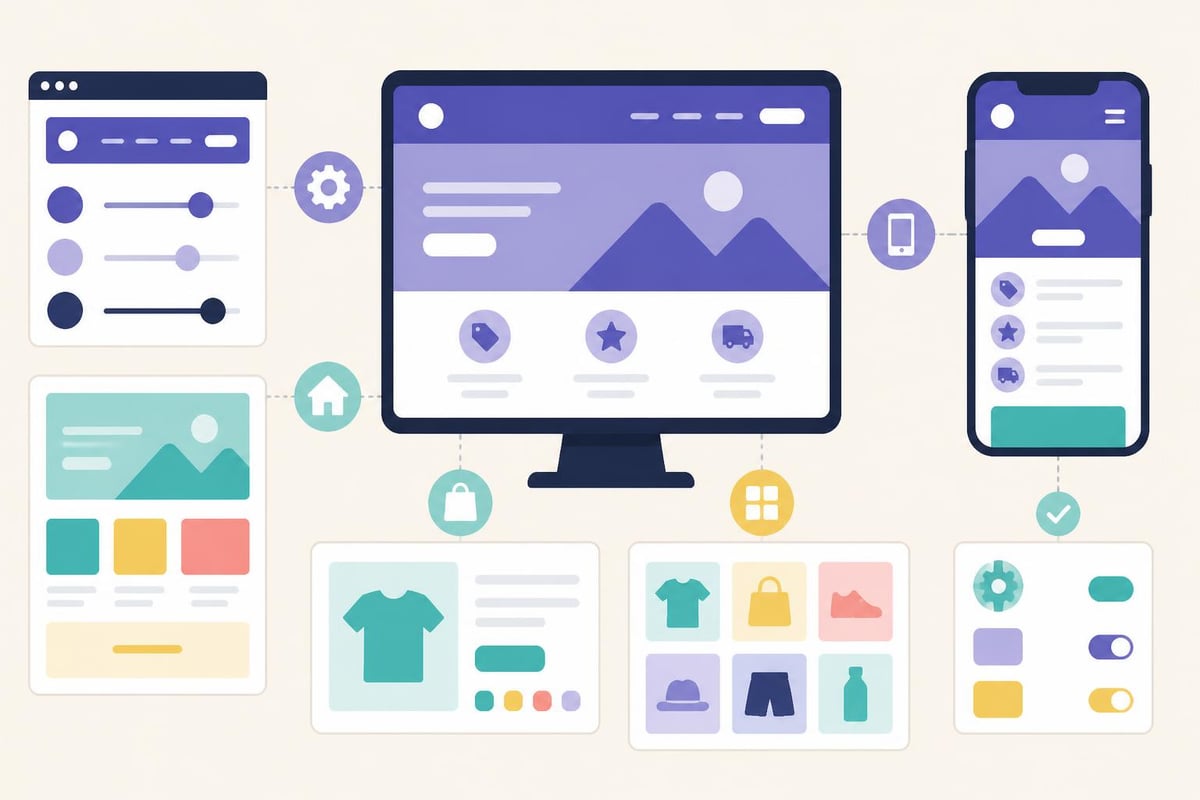
The theme editor enables visual customization without coding. Modify colors, fonts, button styles, and layout arrangements through drag-and-drop interfaces. Add sections for testimonials, featured collections, and promotional banners that align with your marketing strategy.
Professional Development Considerations
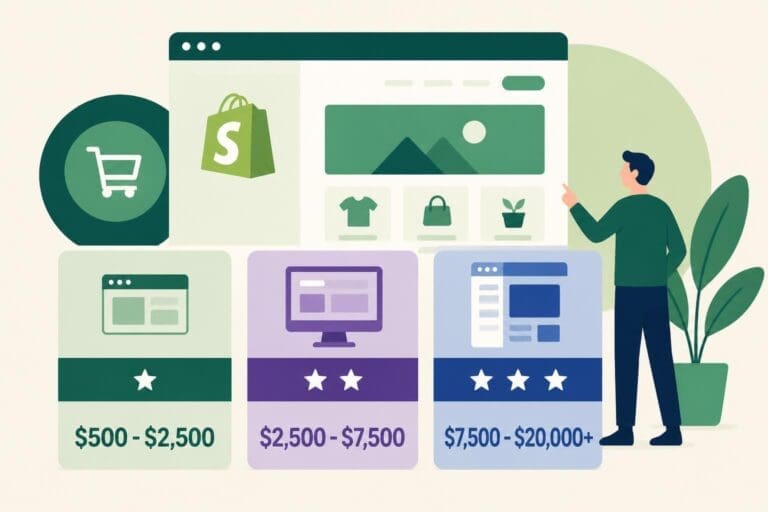
While themes offer quick deployment, many businesses benefit from professional development services that deliver optimized, conversion-focused designs. Shopify Website Development services create stores tailored to specific business objectives, incorporating conversion rate optimization principles from the foundation.
Professional development delivers several advantages:
- Strategic design based on customer psychology and behavior
- Performance optimization beyond standard theme capabilities
- Integration of complex features and workflows
- Accessibility compliance ensuring inclusive experiences
- Ongoing support and iterative improvements
Working with experienced developers accelerates your launch timeline while avoiding common pitfalls that reduce conversion rates. Development partners understand how subtle design decisions impact user behavior and revenue generation.
Building Essential Store Pages
Every Shopify store requires fundamental pages that inform customers and facilitate commerce. These pages work together to guide visitors through discovery, evaluation, and purchase phases.
Homepage Architecture
Your homepage serves as the primary entry point and navigation hub. Effective homepage design immediately communicates your value proposition and guides visitors toward relevant products or categories. When you build a website on Shopify, structure your homepage to include:
- Hero section with compelling imagery and primary value proposition
- Featured collections showcasing bestsellers or seasonal products
- Trust signals including reviews, guarantees, and brand partnerships
- Educational content explaining benefits and differentiators
- Email capture offering incentives for newsletter subscriptions
Keep the homepage focused and scannable. Excessive content creates decision paralysis rather than engagement. Each section should have a clear purpose supporting your conversion funnel.
Product and Collection Pages
Product pages convert browsers into buyers when designed with customer decision-making in mind. Best practices for Shopify website design emphasize clear product photography, detailed descriptions, and prominent calls-to-action.
Product page essentials:
| Element | Purpose | Best Practice |
|---|---|---|
| Product Images | Visual confirmation | 5-8 high-resolution images showing multiple angles |
| Description | Feature communication | Benefits-focused copy with bullet points |
| Pricing | Value clarity | Clear pricing with any applicable discounts visible |
| Add to Cart | Conversion action | Prominent button with contrasting color |
| Reviews | Social proof | Display 5-10 recent reviews prominently |
| Related Products | Cross-selling | Show 4-6 complementary items |
Collection pages organize products into browsable categories. Implement filtering and sorting options that help customers narrow selections based on size, color, price range, and other relevant attributes. Collection descriptions provide SEO value while helping customers understand category purposes.
Supporting Pages and Legal Content
About, Contact, FAQ, Shipping, and Returns pages build credibility and answer common questions that otherwise create friction in the purchase process. When you build a website on Shopify, these pages reduce customer service inquiries while improving trust.
Your About page communicates brand story, mission, and differentiators. Share your origin story, values, and what makes your business unique. Include team photos and credentials that establish expertise.
Create comprehensive FAQ pages addressing product questions, ordering processes, shipping timelines, and return policies. Organize questions by category for easy navigation. Privacy Policy, Terms of Service, and Refund Policy pages fulfill legal requirements and protect your business.
Adding and Optimizing Products
Product data forms the foundation of your e-commerce operation. Thorough product setup ensures accurate inventory management, effective marketing, and positive customer experiences.
Product Information Architecture
Each product requires multiple data fields that serve different purposes across your store. When you build a website on Shopify, invest time in comprehensive product setup rather than rushing through this critical phase.
Core product data includes:
- Title optimized for search and clarity
- SKU for inventory tracking
- Barcode if applicable
- Price and compare-at price
- Cost per item for margin tracking
- Weight and dimensions for shipping calculations
- Inventory quantities across locations
- Variant options (size, color, material)
Product descriptions should balance SEO requirements with customer persuasion. Include target keywords naturally while focusing on benefits rather than features. Answer the question "why should I buy this?" rather than simply describing what the product is.
Product Photography and Media
Visual content drives e-commerce purchasing decisions more than any other factor. Professional product photography generates significantly higher conversion rates than amateur images. Invest in high-quality photography showing products from multiple angles, in use, and with scale reference.
Shopify supports various media types beyond static images:
- 3D models for interactive product exploration
- Video demonstrations showing products in use
- Size charts and measurement guides
- PDF specification sheets and instructions
Enable image zoom functionality allowing customers to inspect product details. Use consistent lighting, backgrounds, and styling across your product catalog to create a cohesive professional appearance.
SEO Optimization for Products
Search visibility determines how much organic traffic your store attracts. When you build a website on Shopify, implement SEO best practices at the product level to improve rankings and discoverability.
Optimize these elements for each product:
- Page title – Include primary keyword and product name (60 characters)
- Meta description – Compelling summary with call-to-action (150 characters)
- URL handle – Clean, keyword-rich URLs without unnecessary words
- Alt text – Descriptive image text for accessibility and image search
- Product description – Natural keyword usage within informative content
Create unique descriptions for each product rather than copying manufacturer content. Duplicate content across multiple stores hurts search rankings and fails to differentiate your brand.
Configuring Navigation and Search
Intuitive navigation directly impacts conversion rates by helping customers find relevant products quickly. Poor navigation creates frustration that drives visitors to competitor sites.
Menu Structure Best Practices
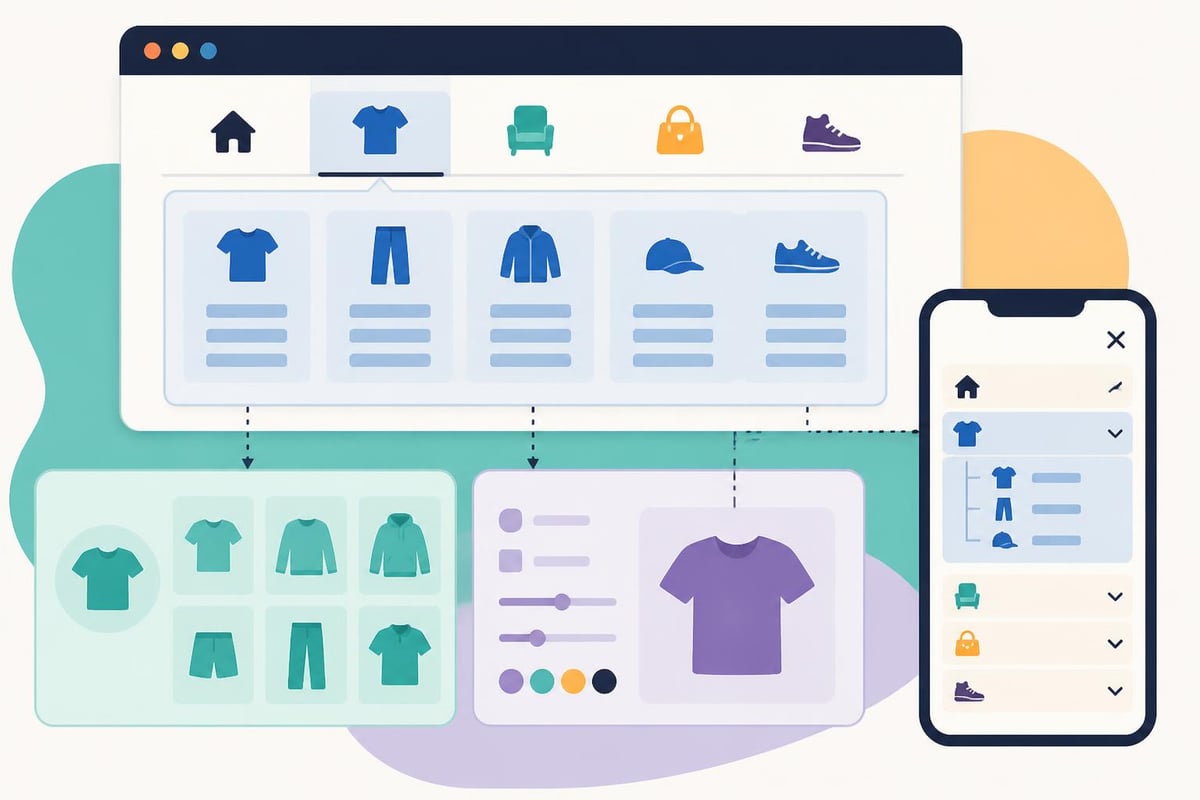
Your main navigation menu provides the primary browsing interface. Organize collections logically based on how customers think about your products. Common organizational patterns include category-based, use-case-based, or audience-based structures.
Limit top-level menu items to 5-7 options to prevent overwhelming visitors. Use dropdown menus for subcategories when you build a website on Shopify with extensive product ranges. Include utility links like About, Contact, and Customer Service in secondary menus.
Effective navigation patterns:
- Product categories in main menu
- Featured collections in promotional banners
- Footer menu with company information and policies
- Account menu for logged-in customers
- Mobile-optimized hamburger menu
Test navigation flow by attempting to find specific products as a new visitor. If locating items requires more than three clicks, simplify your structure.
Search Functionality Enhancement
Default Shopify search provides basic functionality, but enhanced search improves product discovery significantly. Consider search apps that add features like autocomplete suggestions, synonym recognition, and filtered results.
Search optimization includes:
- Descriptive product titles that match search queries
- Comprehensive product tags for better categorization
- Variant titles that appear in search results
- Collection descriptions indexed by search
- Blog content addressing customer questions
Monitor search analytics to identify unsuccessful queries. These represent opportunities to add products, improve descriptions, or create content addressing customer needs.
Implementing Apps and Integrations
Shopify's app ecosystem extends platform capabilities with specialized functionality. Strategic app selection enhances customer experience and operational efficiency when you build a website on Shopify.
Essential App Categories
The Shopify App Store contains over 10,000 applications serving various business needs. Focus on apps that solve specific problems rather than installing every available option. Each additional app impacts site performance and adds monthly costs.
High-priority app categories:
- Email marketing and automation
- Reviews and social proof
- Upselling and cross-selling
- Inventory management and forecasting
- Customer service and live chat
- Analytics and reporting
- SEO and marketing tools
Popular apps like Klaviyo for email marketing, Judge.me for reviews, and ReConvert for post-purchase upsells deliver proven results across thousands of stores. Research app reviews and case studies before installation.
Performance Impact Management
Every app adds code to your storefront, potentially slowing page load times. Monitor performance after installing new apps using tools like Google PageSpeed Insights. Remove or replace apps that significantly degrade performance.
Best practices for app management:
- Install only apps addressing specific needs
- Remove unused apps completely rather than disabling
- Review app performance quarterly
- Choose apps with strong developer support
- Test mobile performance after installations
Quality over quantity applies to app selection. Five well-chosen apps outperform twenty poorly selected options.
Optimizing for Conversions
Conversion rate optimization transforms visitors into customers more effectively than simply driving more traffic. When you build a website on Shopify with CRO principles integrated from launch, you establish higher baseline performance.
Trust Building Elements
First-time visitors hesitate to purchase from unfamiliar brands. Strategic trust signals reduce friction and encourage conversions by providing confidence and security reassurance.
Critical trust elements include:
| Trust Signal | Purpose | Implementation |
|---|---|---|
| Customer Reviews | Social proof | Display prominently on product pages |
| Security Badges | Payment safety | Show near checkout button |
| Money-Back Guarantee | Risk reversal | Highlight in product details |
| Professional Design | Credibility | Clean, modern visual presentation |
| About Page | Authenticity | Share brand story and values |
| Contact Information | Accessibility | Display phone and email clearly |
Display trust badges from recognized organizations rather than generic security icons. Real customer photos and video testimonials provide stronger social proof than text reviews alone.
Checkout Optimization
Shopify's checkout process balances conversion optimization with fraud prevention. Customize available checkout elements to reduce friction while maintaining necessary security measures.
Enable express checkout options including Shop Pay, Apple Pay, and Google Pay. These one-click solutions significantly increase mobile conversion rates by eliminating form completion. Offer guest checkout rather than forcing account creation, as mandatory registration reduces conversion rates by 25-30%.
Display multiple payment options prominently, including alternative methods popular with your target audience. Show shipping costs early in the process rather than surprising customers at final checkout stages.
Mobile Experience Excellence
Mobile devices generate 77% of e-commerce traffic in 2026, making mobile optimization non-negotiable. When you build a website on Shopify, test extensively on actual devices rather than relying solely on desktop browser simulation.
Mobile optimization focuses on:
- Touch-friendly buttons sized appropriately
- Simplified navigation reducing scrolling
- Fast loading times under 3 seconds
- Large, clear product images
- Streamlined checkout process
- Prominent search functionality
Test your mobile experience using various devices and network speeds. What performs well on the latest iPhone may struggle on older Android devices or slower connections.
Launching Your Shopify Store
The launch phase transitions your development work into a live, customer-facing store. Thorough pre-launch testing prevents embarrassing errors and technical issues that damage credibility.
Pre-Launch Checklist
Systematic testing ensures all store components function correctly before customer traffic arrives. Create a comprehensive checklist covering every aspect of store operation when you build a website on Shopify.
Essential pre-launch testing:
- Place test orders using various payment methods
- Verify email notifications send correctly
- Test discount codes and promotional pricing
- Confirm shipping rate calculations
- Check mobile responsiveness across devices
- Validate all internal links function
- Review all product information for accuracy
- Test cart abandonment recovery emails
- Verify analytics tracking implementation
- Review all page load speeds
Ask friends or colleagues unfamiliar with your store to complete test purchases. Fresh perspectives identify confusing elements you've become blind to during development.
Domain Connection and SSL
Connect your custom domain through Shopify's domain settings or by updating DNS records at your domain registrar. Shopify automatically provides SSL certificates for all stores, ensuring secure HTTPS connections that protect customer data and improve search rankings.
Allow 24-48 hours for DNS propagation when connecting external domains. Monitor your store using both www and non-www versions of your domain to ensure both resolve correctly.
Launch Marketing Strategy
Build anticipation before launch through email lists, social media teasers, and early access programs. Offer launch discounts or limited-time bonuses incentivizing immediate purchases from early customers.
Post-launch marketing focuses on:
- Email announcements to existing contacts
- Social media launch campaigns
- Influencer partnerships and collaborations
- Paid advertising on Google and Meta platforms
- Content marketing through blog posts
- Public relations outreach
Track launch week metrics closely to identify immediate optimization opportunities. High bounce rates or cart abandonment indicate issues requiring rapid attention.
Post-Launch Optimization and Growth
Launching your store marks the beginning rather than the end of development work. Continuous optimization based on real customer data drives sustainable growth and improved performance.
Analytics and Performance Monitoring
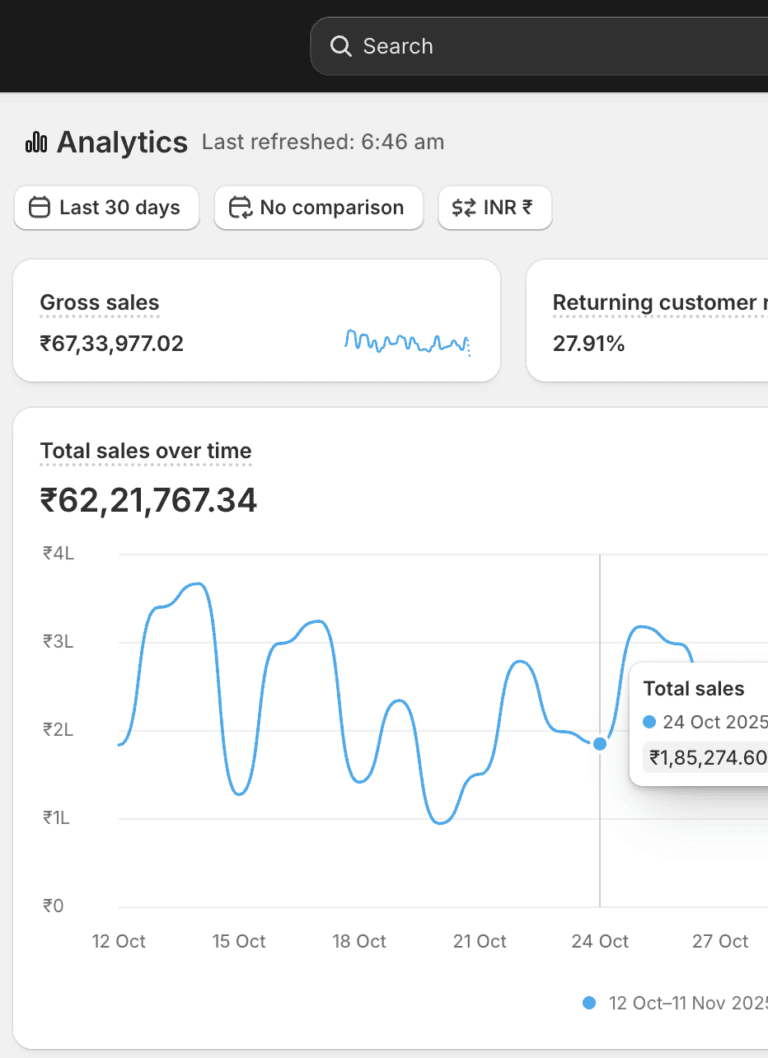
Shopify provides built-in analytics tracking sales, traffic sources, customer behavior, and conversion rates. Supplement native analytics with Google Analytics 4 for deeper insights into user journeys and content performance.
Key metrics to monitor:
- Conversion rate by traffic source
- Average order value trends
- Cart abandonment rate
- Customer acquisition cost
- Customer lifetime value
- Product performance rankings
- Traffic sources and channels
Review analytics weekly during initial months, identifying patterns and anomalies requiring investigation. Monthly performance reviews assess progress toward business objectives and inform strategic decisions.
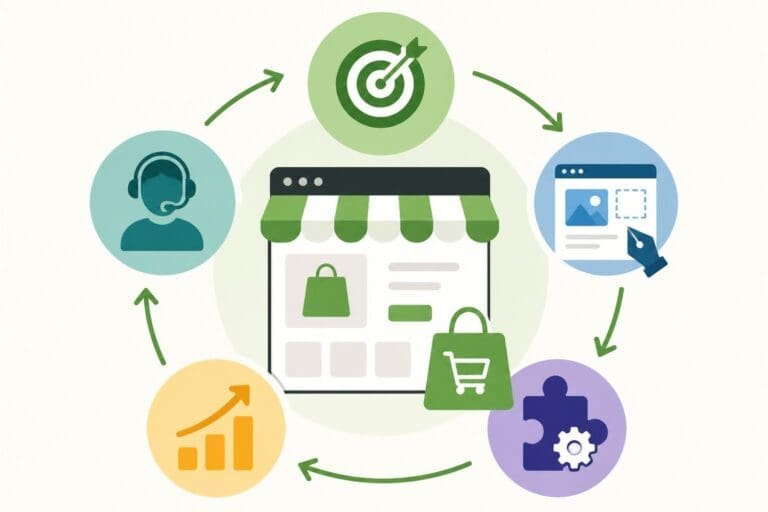
Continuous Improvement Process
High-performing stores evolve continuously based on customer feedback and performance data. When you build a website on Shopify, establish processes for regular optimization rather than treating launch as completion.
Implement A/B testing for critical elements:
- Product page layouts and descriptions
- Homepage hero images and messaging
- Call-to-action button colors and text
- Collection page filtering options
- Checkout process modifications
Test one variable at a time to isolate what drives performance improvements. Run tests long enough to achieve statistical significance, typically requiring several hundred conversions per variation.
Advanced Feature Implementation
As your business grows, implement advanced features that support scaling operations. Shopify's ecosystem accommodates increasing complexity through apps, integrations, and platform upgrades.
Advanced capabilities to consider:
- Subscription and recurring billing programs
- Wholesale and B2B portals
- Multi-currency and international expansion
- Advanced inventory management systems
- Custom app development for unique workflows
- Marketing automation and personalization
- Loyalty and rewards programs
Enterprises requiring maximum customization and support should explore Shopify Plus development options that provide dedicated resources, advanced APIs, and premium features supporting high-volume operations.
Security and Compliance Considerations
Protecting customer data and maintaining compliance with regulations builds trust while avoiding legal complications. Shopify handles many security aspects automatically, but store owners retain specific responsibilities.
Data Protection Standards
Shopify maintains PCI DSS Level 1 compliance, the highest security standard for payment processing. Customer payment information never touches your servers, reducing liability and compliance requirements. However, you remain responsible for protecting customer contact information and order histories.
Implement strong password policies for staff accounts and enable two-factor authentication. Limit staff permissions to minimum necessary access levels, preventing accidental or intentional data breaches.
Legal Compliance Requirements
E-commerce stores must comply with various regulations depending on target markets. GDPR affects European customers, CCPA covers California residents, and other jurisdictions have specific requirements.
Compliance essentials when you build a website on Shopify:
- Privacy policy explaining data collection and usage
- Terms of service outlining customer obligations
- Cookie consent for European visitors
- Accessibility standards (WCAG 2.1 Level AA)
- Age verification for restricted products
- Tax collection compliance across jurisdictions
Consult legal professionals specializing in e-commerce to ensure comprehensive compliance. Shopify provides templates for legal pages, but customization ensures accuracy for your specific business model.
Performance and Speed Optimization
Page speed directly impacts conversion rates, with every second of load time reducing conversions by approximately 7%. Technical optimization improves both customer experience and search engine rankings.
Technical Performance Factors
Shopify's infrastructure provides excellent baseline performance, but theme choices and app installations significantly impact load times. Regular performance audits identify opportunities for improvement when you build a website on Shopify.
Performance optimization strategies:
- Image compression and WebP format usage
- Lazy loading for below-fold content
- Minimizing app script impact
- Browser caching optimization
- Font file optimization
- Removing unused theme code
Use Google PageSpeed Insights and Shopify's built-in performance reports to monitor Core Web Vitals. Aim for scores above 90 on mobile and desktop platforms.
Content Delivery Optimization
Shopify's global CDN serves assets from servers nearest to customer locations, reducing latency and improving load times. Optimize images before upload rather than relying on automatic compression, which may not achieve optimal results.
Implement responsive images serving appropriate sizes for different devices. Mobile visitors shouldn't download desktop-sized images that waste bandwidth and slow loading.
Building a high-performing Shopify store requires strategic planning, technical expertise, and ongoing optimization efforts that transform visitors into loyal customers. The decisions made during development establish foundations that either enable or limit future growth potential. WebzPlot specializes in creating conversion-optimized Shopify stores designed for measurable business results, combining technical excellence with strategic digital marketing expertise. Whether you're launching your first store or scaling an established brand, partnering with experienced developers accelerates success while avoiding costly mistakes that reduce profitability.